Allocation Manager
Make more from every seat
Allocation Manager helps you control who gets your seats – and when. Prioritise your most profitable channels, then automatically release leftover seats to fill every last spot.


-
Hold seats for your best channels
-
Release seats automatically as departure gets closer
-
Do way less admin with automated allocations
Say you’re running a city tour with 30 seats…
-
First: hold seats for your best channels
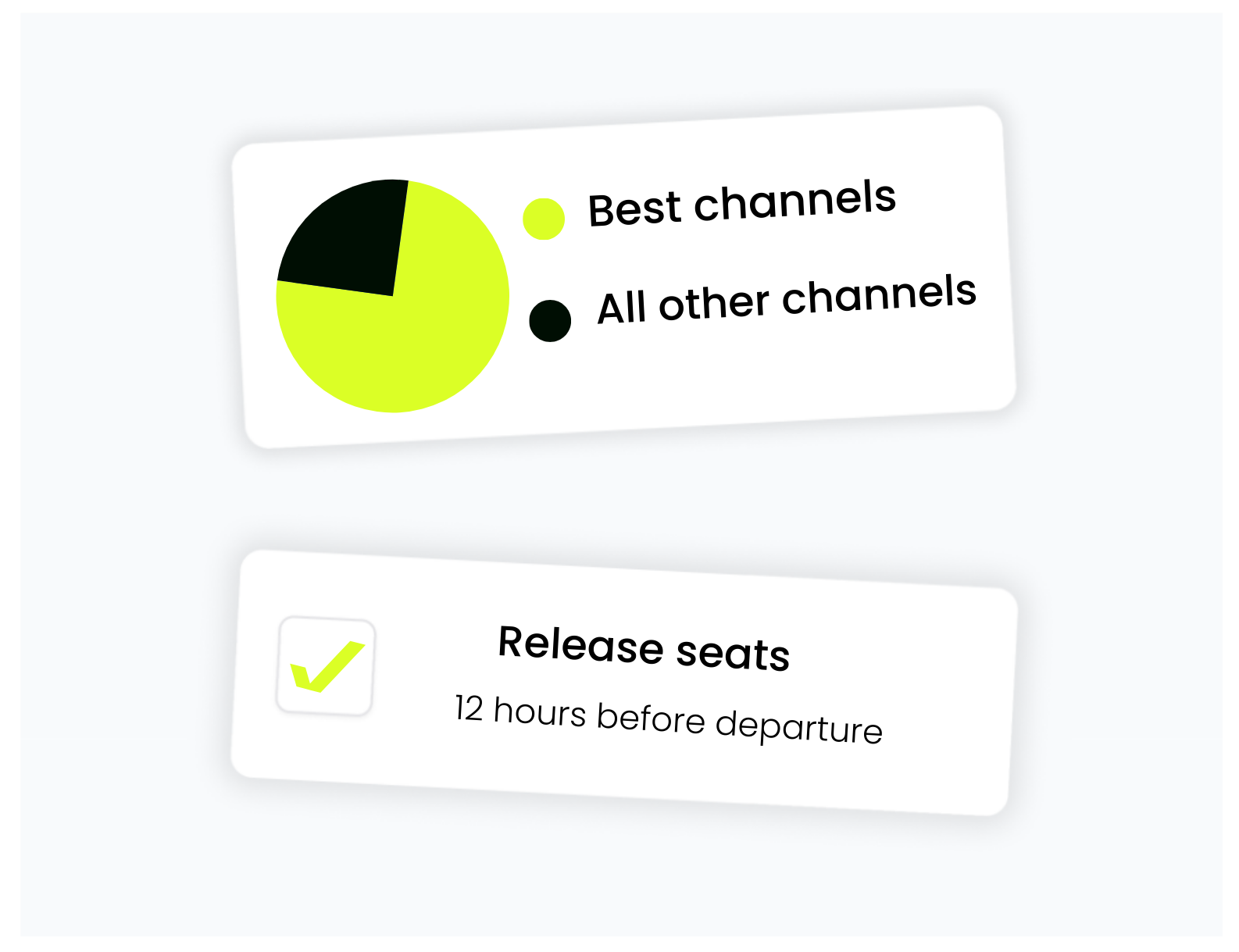
Set aside 20 seats to your best channels so you earn more from every booking. Offer the remaining 10 seats to other channels. -
Then: release seats automatically
As departure approaches, automatically open up unsold seats to other channels. So nothing goes to waste and your tour fills up. -
Finally: you stay in control
Set rules by season, seller, or event. Change them whenever you need to.
See it in action

Sell smarter
Hold seats for your best channels. Release the rest automatically to fill every spot.

Save time
Set the rules once. Allocation Manager does the rest.

Stay flexible
Adjust allocations in seconds to capture demand as it happens.
What do Bókun users say?
"“I love having control over where my seats are sold. I keep 50% of my seats for my best channels, while still working with other channels to reach more people. Then I set rules to automatically open up any leftover seats to everyone 24 hours before we depart - it’s the perfect safety net.”"

Pep
Tour Operator • Lisbon, Portugal
Already a Bókun user?
Allocation Manager is available on our Plus and Premium plans. To get started, head to Experiences → Allocation Manager in Bókun, or follow our step-by-step guide.
Thinking about upgrading? Explore our plans to find the right fit.
FAQs
What is Allocation Manager?
Allocation Manager is Bókun’s feature designed for channel-specific seat control, which empowers suppliers to strategically decide who can sell which seats, and when.
What are the primary benefits of using Allocation Manager?
The main advantages include:
- Maximising profit: You can hold more seats for direct or low-commission sales channels, especially during peak season, which allows you to earn more from each booking.
- Strategising your sell-outs: You can set rules to automatically release unsold seats to all channels (like OTAs) at the last minute to ensure full capacity.
- Minimising manual work: You can set your channel-mix strategy once and let the Allocation Manager enforce the rules automatically, reducing time-consuming manual adjustments.
- Preventing overselling: You can trust that your availability is optimally distributed across channels without the risk of double-bookings or wasted capacity.
How do I set up the rules within Allocation Manager?
You can set rules as a percentage of the total available seats or a fixed number of seats. Rules can be set to be applied by season, event, seller, channel, or product. You can also utilise advanced options such as setting active dates or specifying a time when remaining availability should be released before departure.
Where can I find the Allocation Manager in Bókun?
You can activate the feature by navigating to Experiences and clicking on Allocation Manager in the menu.
Does Allocation Manager work with all product types?
No, Allocation Manager is incompatible with products set up as On-request, Free sale, or Pass capacity, as these types are not based on standard availability constraints. To use Allocation Manager, the experience must be set up with “Limited Number” capacity.
Which Bókun plans include access to Allocation Manager?
Allocation Manager is included as part of the Plus and Premium subscriptions.
I am on the Start, PRO or Free plan. How can I get Allocation Manager?
Customers on the Start, PRO or Free plan must upgrade to a Plus or Premium plan to unlock Allocation Manager, which includes gaining access to lower booking fees.
Check out our pricing page to choose the best plan for your business.
I am a PRO customer. What happens if I upgrade to a higher plan?
Upgrading from PRO to a new plan (Start, Plus or Premium) may mean you become subject to new charges. Check out our fees help article to learn more.