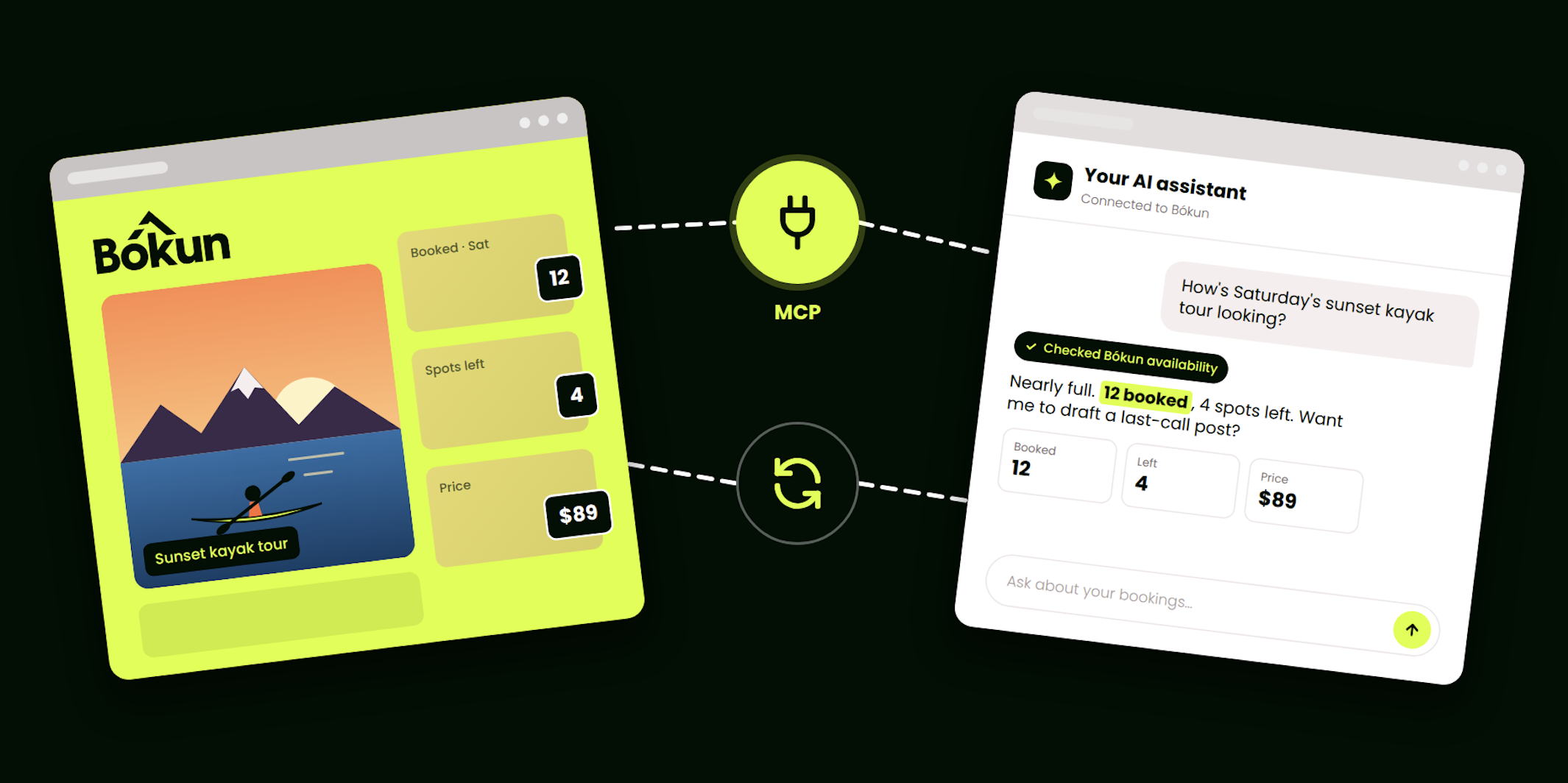
One of the first operators to connect ChatGPT to Bókun told us what they did next. They asked ChatGPT what to ask it.
Fair enough. Two weeks ago at Bókun Tide we showed the connection working live, and the demo was good. What operators have done with it since is better.
So we went and asked them. We talked to the operators already using the connection, looked at what they’d built, and pulled out the ten uses that kept coming up. Each one ends with a prompt. Copy it, paste it into ChatGPT, Claude or the AI assistant of your choice, and swap in your own tour names.
Not connected yet? The three-minute set-up is at the bottom.
- Sell: answer faster, hold the spot
- Run: know your week before it happens
- Fix: keep every listing clean
- Build: put it to work on your website
- Start safe. Widen later.
- Connect in three minutes
Sell: answer faster, hold the spot
1. Answer an enquiry while the customer is still talking
Everyone we spoke to started here. A customer asks if Saturday works for six. You ask your assistant. It checks live availability and pricing in Bókun and answers in seconds, while you’re still on the call.
Ask it: “Is the Golden Circle tour available on Saturday for 6 people, and what does it cost?”
2. Brief a customer properly before they book
What’s included, what isn’t, where the pickup is, what you’ll ask them at checkout. It all lives in your Bókun product. Now you can ask for it in one line instead of opening the listing.
Ask it: “What’s included in the Northern Lights tour, and where do we pick people up?”
3. Find the best price in the next three weeks
Flexible travellers love this one. Instead of clicking through a calendar, ask your assistant to scan the dates for you.
Ask it: “What’s the best price for the Northern Lights tour in the next three weeks? Show me the dates with availability and what each costs.”
4. Offer an alternative when the first choice is full
Sold out is only a dead end if you don’t have another option to hand.
Ask it: “The kayak tour is full on Saturday afternoon. What else do I have with space for four that day?”
5. Turn a phone or email enquiry into a held booking, payment link and all
This is the one that changes your day. Your assistant reserves the spot in Bókun and hands you the payment link. You forward the link, the customer pays online, exactly as they would through your booking widget. No dashboard. No retyping.
Ask it: “Reserve 4 people on the whale watching tour on Saturday at 10:00 and give me the payment link.”
Run: know your week before it happens
6. Ask how busy you are
“How busy is October?” is a one-line question your assistant can answer from your booking calendar. So is “how full is tomorrow’s 9am?” and “which guides are working tomorrow?”
Ask it: “How are tomorrow’s departures looking, and which guides and vehicles are assigned?”
7. Compare this month with last
Your sales report, without the spreadsheet. Revenue, seats sold, the trend over time.
One wine tour operator in Barcelona goes further. Every Monday his assistant cross-references his Bókun bookings with the weather, cruise ship arrivals, concerts and bank holidays, then tells him which dates are underbooked and which departures to push. When his partner restaurants switched to winter hours, he asked how much revenue he’d lose by closing his Sunday 5pm departure. He had the answer in five minutes.
Ask it: “Which dates in the next four weeks are underbooked compared with last month, and which departures should I promote?”
Fix: keep every listing clean
8. Audit all your listings in one go
A photography business in the Canadian Rockies runs this about daily. It checks 10 to 15 experiences for consistent add-ons, prices and wording, and catches the drift before a customer does. We’ve caught a title that didn’t match its description the same way.
Ask it: “Compare the descriptions, add-ons and prices across all my experiences and flag anything inconsistent.”
9. Spot the products that have a problem
No price on a date. No start times. A published product with no availability. These are the dead ends travellers hit and never tell you about.
Ask it: “Do any of my published products have problems, and what are they?”
Build: put it to work on your website
10. Let travellers ask and book, right on your site
The same connection that powers your assistant can power a chatbot on your own website. A boat cruise operator in Gdańsk has one live today: an assistant on their site, connected to Bókun, answering travellers from live data.
The connection gives a chatbot the same tools your assistant has, so travellers can ask about your tours, check what’s available and reserve, all inside the chat. If you work with a developer or an agency, this is the one to send them. Create a token in Bókun, set it to “On a website” and “Make reservations”, and hand it over. They never need a Bókun login.
Start safe. Widen later.
The question we hear most isn’t “what can it do?” It’s “what can it do without me?” The answer: only what you allow.
When you connect, you choose. View only, and the assistant can look but never change anything. Make reservations, and it can also hold bookings for you. Full access, or a role you’ve already set up in Bókun. The photography operator above started on view only, then widened it once they’d seen how it behaved. Every connection shows up under Settings → Connections, and you can revoke it in one click.
Connect in three minutes
- In Bókun, go to Settings → Connections and open the AI assistant connection. You’ll see it labelled “MCP integration”. MCP is the open standard that lets AI assistants talk to other tools, and it’s the word developers search for, so we kept it there.
- Pick your tool: Claude, ChatGPT, Cursor, Codex, VS Code or any assistant that supports custom connectors.
- Sign in with your Bókun login and choose what the assistant can do. If someone else is setting it up for you, create a token up front instead.
- Ask it: “List my Bókun tours.” If it answers with your own products, you’re connected.
Step by step, with screenshots: How to connect your AI assistant to Bókun.
Included in your Start, Plus and Premium plans. For a limited time.
What’s next
Operators have already told us what they want to ask next. “Close tomorrow’s departures.” “Which of my experiences are missing availability?” “Move the cutoff on every tour to 36 hours.” Managing availability and pricing by chat is in the works.
In the meantime, connect your assistant and try one prompt from this list. Then ask it to send us your feedback. Yes, that works too.
Explore the September Bókun Tide: every demo, the how-to videos and the switch-it-on steps, in one place.
Until the next Tide.
New to Bókun?
Bókun is the complete booking and channel management solution for extraordinary experiences, and part of the Tripadvisor family. And now, it’s a whole lot smarter.
Start a 14-day free trial (no credit card required) and see what a smarter booking system feels like.